
Affiliate disclosure: We may earn a commission if you buy through our retailer links, at no extra cost to you. Purchases and support are handled by the retailer.
Here is how to redeem a Valorant gift card: sign in to the VALORANT game client on PC, select the VALORANT icon next to your VP balance, choose Prepaid Cards & Codes, and enter the code exactly as it appears. You can also redeem at shop.riotgames.com/redeem and choose VALORANT. Either way, the card adds VALORANT Points (VP) to your Riot account.
What a Valorant gift card is
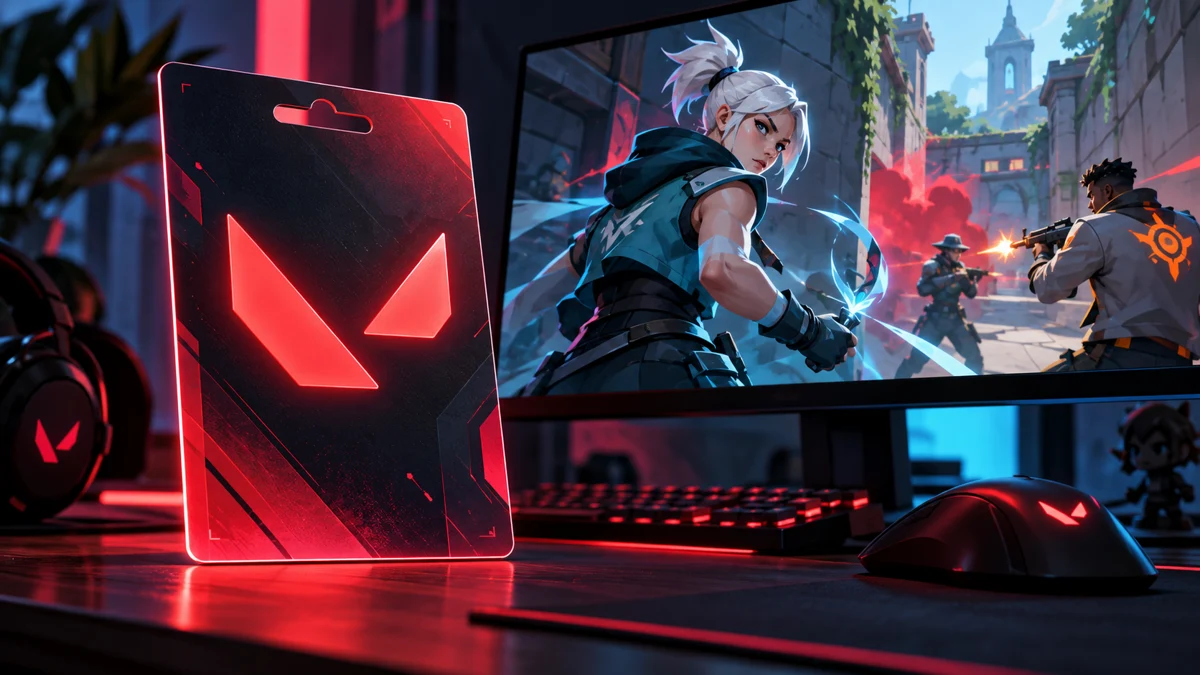
Riot calls these cards “cash codes”, a term covering prepaid cards and gift cards such as Riot PIN. Riot says they give you premium currency for its games, such as RP or VP, and can be bought in physical stores or from online retailers. Physical cards have a scratch-off code; digital ones arrive as a text code by email.
The amount of VP a card adds depends on the card and region. Riot shows the amount on a summary screen before you confirm, so check it there rather than relying on unofficial conversion charts.
Riot’s rules to know before redeeming
- One code, one game, one use. The whole code goes to one game on one account. You can’t split it.
- Region locked. Cash codes can only be redeemed in the region where they were purchased.
- PC only. Cash codes can only be redeemed in the PC versions of Riot’s games. Riot points console players to its Code Redemption page.
- No expiration. Riot says cash codes never expire.
- Keep the card and receipt. Riot says it will need both if something goes wrong.
Option 1: redeem in the VALORANT client
- Log in to the VALORANT game client on PC.
- Select the VALORANT icon by your VP in the upper-right corner.
- Select Prepaid Cards & Codes.
- Enter the code exactly as it appears, with no spaces.
- In some regions, tick the consent box, then select Submit.
Riot says the virtual currency is then added to your VALORANT account balance.
Option 2: redeem at shop.riotgames.com/redeem
- Go to shop.riotgames.com/redeem.
- Enter the code exactly as it appears on the card, email or receipt, then select Redeem Code.
- If prompted, log in to the Riot account that should receive the VP.
- Select VALORANT as the game. Riot notes that a grayed-out game means that account hasn’t played it yet.
- Review the summary page, including your current balance and the amount being added. If everything is correct, select Redeem Code. If not, select Cancel.
Choose the game carefully. Riot says codes can only be redeemed in one game and can’t be partially redeemed, so a code applied to another Riot title can’t be moved to VALORANT afterwards.
How long it takes
Riot says the currency should be added instantly, but in some cases it may take up to 24 hours. If the VP doesn’t appear right away, Riot asks you to wait a day before contacting Player Support.
Common error messages
- “This code does not appear to be valid”: the code doesn’t exist in Riot’s system. Re-type it without spaces, for example 123456789 rather than 123 456 789.
- “This code appears to not be properly activated”: the store didn’t activate the card at checkout. Riot says to go back to the merchant and ask them to activate it.
- “This code has already been redeemed”: check whether you already used it. If it was a gift or bought from a third party, Riot says it may have been used before you got it; contact the seller, or Player Support for a gift.
- “Exceeded the maximum number of code redemption attempts”: wait 24 hours before trying more codes.
- “This code is not valid in your region”: the code is locked to a region and must be used on the server it was issued for.
Check the account before you submit
VP lands on whichever Riot account is signed in, and Riot says the full amount goes to one account and can’t be split. If you share a PC, confirm the Riot ID shown in the client or on the shop page before entering the code. When the summary screen appears on shop.riotgames.com, read the current balance and the amount being added. That is your last chance to select Cancel if something looks wrong.
Buy from authorized sellers
Riot strongly advises against buying prepaid cards from third-party sites such as online auctions or non-authorized retailers. Buy from a known store, keep the receipt, and never share your Riot password with a site claiming to add VP for you.
Browse gaming gift cards
We are still adding retailer options for Valorant cards. Browse our gaming gift card guide in the meantime.
Frequently asked questions
Where do I redeem a Valorant gift card?
In the VALORANT PC client under Prepaid Cards & Codes, or at shop.riotgames.com/redeem, where you select VALORANT as the game.
Can I redeem a Valorant gift card on console?
Riot says cash codes can only be redeemed in the PC versions of its games and points console players to its Code Redemption page.
Do Valorant gift cards expire?
Riot says cash codes never expire.
Can I use a Valorant card from another region?
No. Riot says cash codes can only be redeemed in the region where they were purchased.
Sources and checking details
Checked October 31, 2026. Retailer listings and platform instructions can change. Riot Games Support: Prepaid cards, cash codes and content codes
Related reading: our guide to how to redeem a Fortnite gift card, our guide to how to redeem a Minecraft gift card.