
Affiliate disclosure: We may earn a commission if you buy through our retailer links, at no extra cost to you. Purchases and support are handled by the retailer.
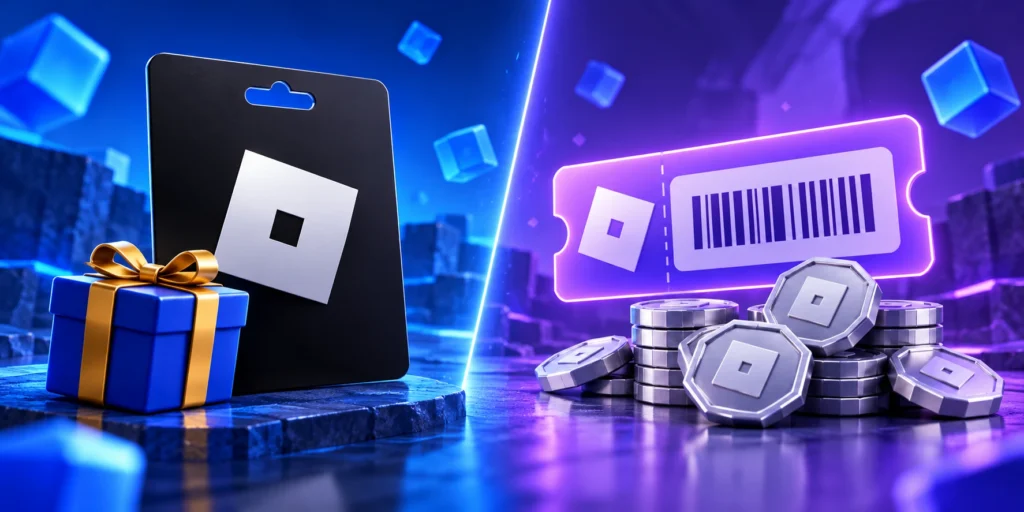
Comparing a Roblox gift card vs Robux code? They can look similar in a search result, but the product wording matters. Before buying, identify whether the listing offers money-based Roblox Credit or a stated amount of Robux. That detail is more useful than the card’s color or artwork.
Roblox gift card vs. Robux code
Roblox explains that credit-based gift cards add Roblox Credit, which can be used for eligible Roblox purchases. Some codes, including certain digital products sold through Amazon, redeem directly for Robux and do not provide credit. Check the exact listing rather than assuming the same rules apply to every digital card.
| What the listing says | What to clarify | Why it matters |
|---|---|---|
| Dollar-denominated Roblox gift card | How the value is applied to the account | The recipient should understand what balance they will receive |
| A stated Robux quantity | Whether it is Robux-only | It may not suit someone seeking credit for another eligible service |
| Digital delivery | The underlying product type | Email delivery alone does not tell you what the code provides |
Ask what the recipient wants
If the gift is for a particular purchase, ask the recipient or parent what payment route they intend to use. A little clarification is easier than trying to solve a mismatch after redemption. If the answer is simply “something for Roblox,” compare the product details together without requesting account access.
Do not compare unlike numbers
A price in dollars and a Robux quantity are different measurements. Compare the actual checkout cost with the actual product promised. Do not treat a large Robux number as automatically better value than a smaller dollar number, and do not use an old conversion chart as a guarantee.
Before placing the order
- Read the full product title and redemption instructions.
- Confirm the seller, delivery method, and recipient details.
- Check whether a promotion changes the offer or has conditions.
- Save a copy of the product description with your receipt.
After giving the gift
Send the code privately and include the seller’s instructions. Let the recipient redeem it on their own account. If the result differs from the listing, keep the order details and ask the retailer about the product supplied rather than guessing what another purchase would do.
For more help choosing the format, read digital versus physical cards. To compare sellers, use where to buy Roblox gift cards online.
Compare current Roblox gift-card options
Check the amount, delivery method, and final terms on the retailer’s page before purchasing.
Sources and checking details
Checked October 24, 2026. Retailer listings and platform instructions can change. Roblox Credit guidance
Related reading: our guide to how many Robux each card amount gives, our guide to how to redeem a Roblox gift card, our guide to using a gift card for Roblox Plus.